Required Email Signature
Every CCSD employee and CVA Adjunct Teacher is required to use a standard email signature format. This helps keep communication professional, consistent, and easy for students and families to recognize.
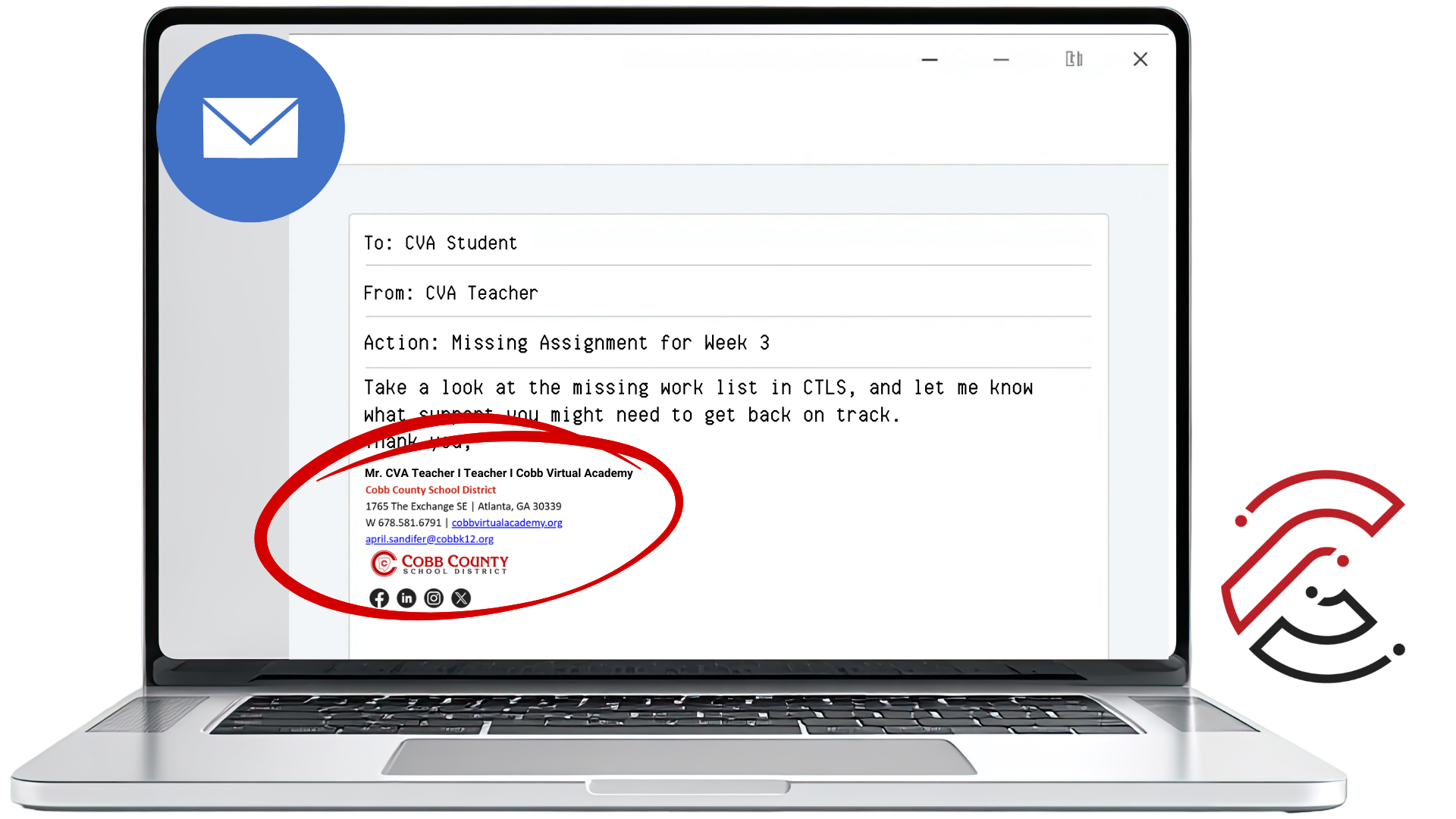
Directions: Download the MS Word file for the CCSD Email Signature and update the template with your own information.
Use the Standard CCSD Email Signature Format
Your email signature should follow the approved format so that all CVA communication looks consistent and includes the correct contact information. Use the template file below to create or update your signature.
CCSD Email Signature Template
Click below to download the MS Word file. After downloading, replace the sample information with your own name, title, phone number, and email address.
email-signature-template-cva-teachers.docx
MS Word file for creating your required CCSD/CVA email signature.
Customize the Template With Your Information
Name and Title
Replace the sample name and job title with your own professional information.
CVA Information
Keep the Cobb Virtual Academy name, address, work phone, and website listed in the template.
Contact Details
Update the cell phone and email address fields as needed.
Logo and Formatting
Do not remove the CCSD logo or change the overall signature format.